

- What is Web Development?
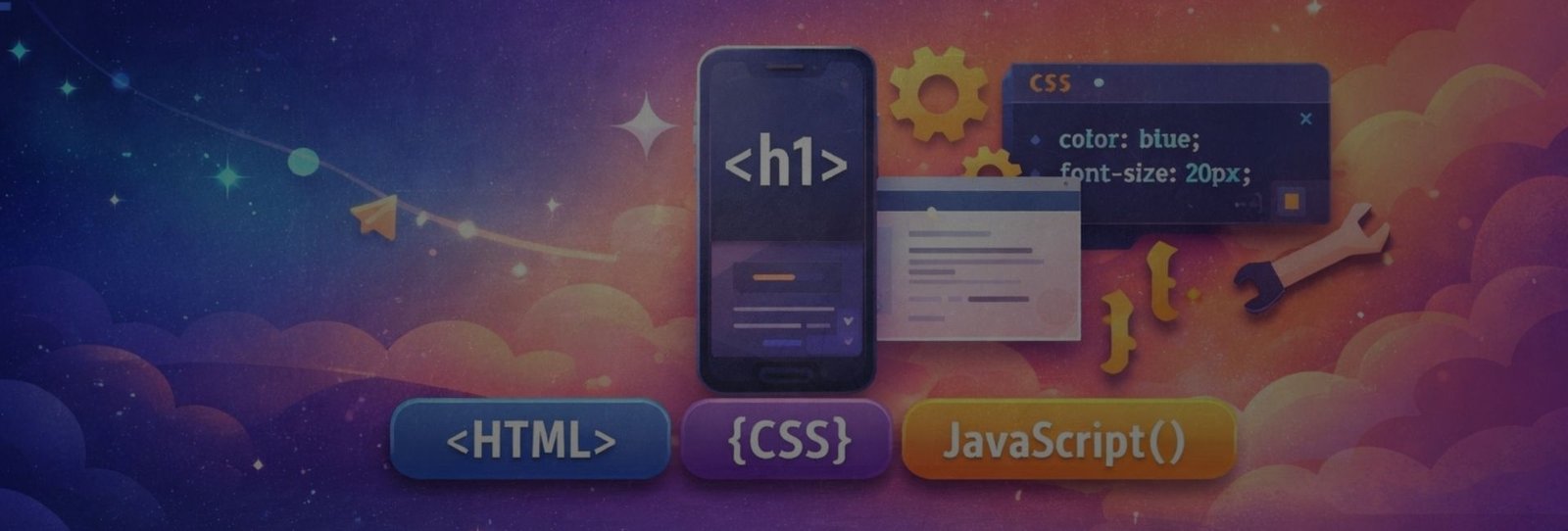
Web Development is the process of creating and maintaining websites and web applications. It includes designing the layout, building features, and ensuring the site works fast, securely, and smoothly on all devices using technologies like HTML, CSS, JavaScript, and backend tools.
- Markup
Markup is a system of tags used to structure content so browsers understand it.
Real-life example: Think of a school notebook
You don’t just write text randomly—you use headings, underlines, bullet points, and highlights to show what is important.
- A heading tells: This is the main topic
- Underline or bold shows: This is important
- Bullet points mean: These are related items
In the same way, markup (like HTML) uses tags to tell the browser:
- “This is a heading”
- “This is a paragraph”
- “This is a link”
- “This is an image”
So, markup doesn’t change the meaning of the content—it structures it, helping browsers display the content correctly, just like formatting helps a reader understand a notebook clearly.
Example
<h1>Welcome to CodeKilla</h1>
<p>This is my paragraph</p>- Markup Language
A markup language uses markup to define document structure. HTML is a markup language, not a programming language.
- HTML (HyperText Markup Language)
HyperText Markup Language (HTML) is the standard language used to create and structure web pages. It tells a web browser what content to show (text, images, links, videos) and how that content is organized, using tags like headings, paragraphs, images, and links.
Used for: text, images, links, forms, buttons
<button>Register</button>1. Website as a Newspaper
Think of a newspaper:
- Headline
- Sub-headings
- Paragraphs
- Images
HTML is like the layout plan of the newspaper that decides where everything goes.
2. HyperText = Clickable Links
When you click a link like “Read More” and it opens another page, that’s HyperText in action.
Real life:
Like a reference page in a book that says “See Page 45 for details” — except HTML lets you jump there instantly with a click.
3. House Construction Analogy
- HTML → Structure (walls, rooms)
- CSS → Design (paint, decoration)
- JavaScript → Functionality (lights, doors, switches)
Without HTML, the house (website) cannot exist.
HTML is the basic building block of every website that structures content and connects pages using links.
Tag
A tag is a keyword written inside angle brackets (< >) that tells the browser what type of content it is and how it should behave. When a tag is used (usually with an opening and a closing tag), it forms an HTML element.
<p>This is a paragraph.</p><p> → opening tag
</p> → closing tag
Together they create an HTML element called a paragraph element
Real-Life Analogy
Think of a labeled box:
- The label → Tag
- The items inside → Content (This is a paragraph)
- The full box → HTML element
So, the tag tells what kind of box it is, and the element is the complete box with content.
A tag is the instruction, and the HTML element is the complete structure created using that tag.
Element
An element is a complete HTML block (tag + content).
<p>Learn Web Development</p>Attribute
Attributes provide additional details or properties about an HTML element. They are written inside the opening tag and help define how the element behaves, looks, or works.
Relevant Example (HTML)
<img src="car.jpg" alt="Red sports car">- img tag → Element
- src → Attribute (tells where the image file is)
- alt → Attribute (describes the image if it doesn’t load)
Without attributes, the browser would not know which image to show.
Real-Life Example
Think of a person’s ID card:
- Person → HTML element
- Name, Age, Address → Attributes
Attributes add important details that describe the element better.
Another Practical Example
<a href="https://google.com" target="_blank">Open Google</a>- href → Where the link goes
- target="_blank" → Opens the link in a new tab
Here, attributes control the behavior of the link.
- CSS (Cascading Style Sheets)
CSS (Cascading Style Sheets) is used to style and design web pages. It controls how HTML elements look, where they are placed, and how they adjust on different screen sizes (mobile, tablet, desktop).
Relevant Example (HTML + CSS)
<h1 class="title">Welcome to My Website</h1>.title {
color: #1E90FF; /* Design */
text-align: center; /* Layout */
font-size: 32px;
}- Design → Color, font size
- Layout → Alignment, spacing
- Responsiveness → Adapting to screen size
Responsive Example
@media (max-width: 600px) {
  .title {
    font-size: 20px;
    color: #FF5733;
  }
}Real-Life Example
Think of a house:
- HTML → Structure (walls & rooms)
- CSS → Design & layout (paint, furniture, room spacing)
- Responsive design → Furniture rearranges automatically for small rooms
CSS controls how a website looks, how content is arranged, and how it adapts to different devices.
CSS Property & Value
- Property → what you want to style
- Value → how it should look
selector {
  property: value;
}Common CSS Properties with Values
- Text & Font
color: green;
font-size: 18px;
font-weight: bold;
text-align: center;- Background
background-color: #0f766e;
background-image: url(bg.jpg);
background-size: cover;- Box Model
width: 300px;
padding: 20px;
margin: 15px;
border: 1px solid black;- Layout
display: block;
display: flex;
display: grid;- Flexbox
display: flex;
justify-content: center;
align-items: center;
gap: 20px;- Effects
border-radius: 10px;
box-shadow: 0 5px 10px rgba(0,0,0,0.2);
transition: 0.3s;- Programming Language
A programming language is used to write logic and decisions. JavaScript is the programming language of the web.
Script
A script is a set of instructions that runs automatically.
alert("Welcome to CodeKilla");JavaScript
JavaScript makes websites interactive and dynamic. Used for: clicks, forms, validation, animations
button.onclick = () => alert("Clicked");DOM is a tree structure of a web page that JavaScript can change.
DOM (Document Object Model)
document.getElementById("title").innerText = "Hello";Client-Side
Code that runs in the browser. Examples: HTML, CSS, JavaScript
Server-Side
Code that runs on the server and handles data. Examples: PHP, Node.js, Python
- How Everything Works Together
|
Technology |
Role |
|---|---|
|
HTML |
Structure |
|
CSS |
Design |
|
JavaScript |
Logic & Interaction |
|
Server-side |
Data & processing |
- CodeKilla Final Line
HTML builds, CSS beautifies, JavaScript brings life.


