

The First Database
IBM (International Business Machines) is a multinational technology company founded in 1911 by Charles Ranlett Flint. IBM created the world’s first major database system, IMS (Information Management System), in 1966, which is a hierarchical database organizing data in a tree-like structure with parent-child relationships. Later, IBM developed DB2, a popular SQL-based relational database. The company is a pioneer in databases, mainframes, and enterprise software and is widely known as “Big Blue.”
- What is a Database?
A database is an organized collection of data that allows users to store, retrieve, update, and delete information easily.
- Why Databases are Important?
Databases are essential for modern applications because they:
- Store large amounts of data efficiently.
- Provide fast access and retrieval for applications.
- Ensure data consistency and integrity across transactions.
- Provide security and access control to protect sensitive information.
- Support multiple concurrent users without conflicts.
- Enable backup and recovery to prevent data loss.
- Offer scalability to handle increasing workloads.
- Allow analytics and reporting to make informed decisions.
- Facilitate real-time data processing for dynamic applications.
- Types of Databases
|
Type |
Description |
Examples |
|---|---|---|
|
Relational |
Data stored in structured tables with rows and columns |
MySQL, PostgreSQL, Oracle, SQL Server |
|
Non-Relational |
Flexible, schema-less data storage | MongoDB, Redis, CouchDB |
|
Centralizedq |
Stored at a single location |
Bank systems |
|
Distributed |
Stored across multiple locations | Cassandra, CockroachDB, Amazon DynamoDB |
|
Cloud / Managed |
Fully managed databases hosted in the cloud | Amazon RDS, Google Cloud SQL, Azure SQL Database |
- SQL (Structured Query Language)
SQL is a standard language used to communicate with relational databases. SQL (Structured Query Language) was created by Donald D. Chamberlin and Raymond F. Boyce at IBM in the early 1970s while working on the System R relational database project. It was originally called SEQUEL (Structured English Query Language) before being renamed SQL.
SQL databases use fixed schemas – structure must be defined before adding data.
- Common SQL Commands
|
Category |
Full Form |
Purpose |
Commands |
|---|---|---|---|
| DDL | Data Definition Language | Defines database structure | CREATE, ALTER, DROP, TRUNCATE, RENAME |
| DML | Data Manipulation Language | Manipulates table data | INSERT, UPDATE, DELETE |
| DQL | Data Query Language | Retrieves data | SELECT |
| DCL | Data Control Language | Controls access & permissions | GRANT, REVOKE |
| TCL | Transaction Control Language | Manages transactions | COMMIT, ROLLBACK, SAVEPOINT |
- DDL Examples
CREATE TABLE students (id INT PRIMARY KEY, name VARCHAR(50), age INT);
ALTER TABLE students ADD email VARCHAR(100);
RENAME TABLE students TO student_details;
TRUNCATE TABLE student_details;
DROP TABLE student_details;- DML Examples
INSERT INTO students VALUES (1, 'Rahul', 21);
UPDATE students SET age = 22 WHERE id = 1;
DELETE FROM students WHERE id = 1;- DQL Examples
SELECT * FROM students;
SELECT name, age FROM students WHERE age > 18;- DCL Examples
GRANT SELECT, INSERT ON students TO user1;
REVOKE INSERT ON students FROM user1;- TCL Examples
COMMIT;
ROLLBACK;
SAVEPOINT sp1;
ROLLBACK TO sp1;- NoSQL (Not Only SQL)
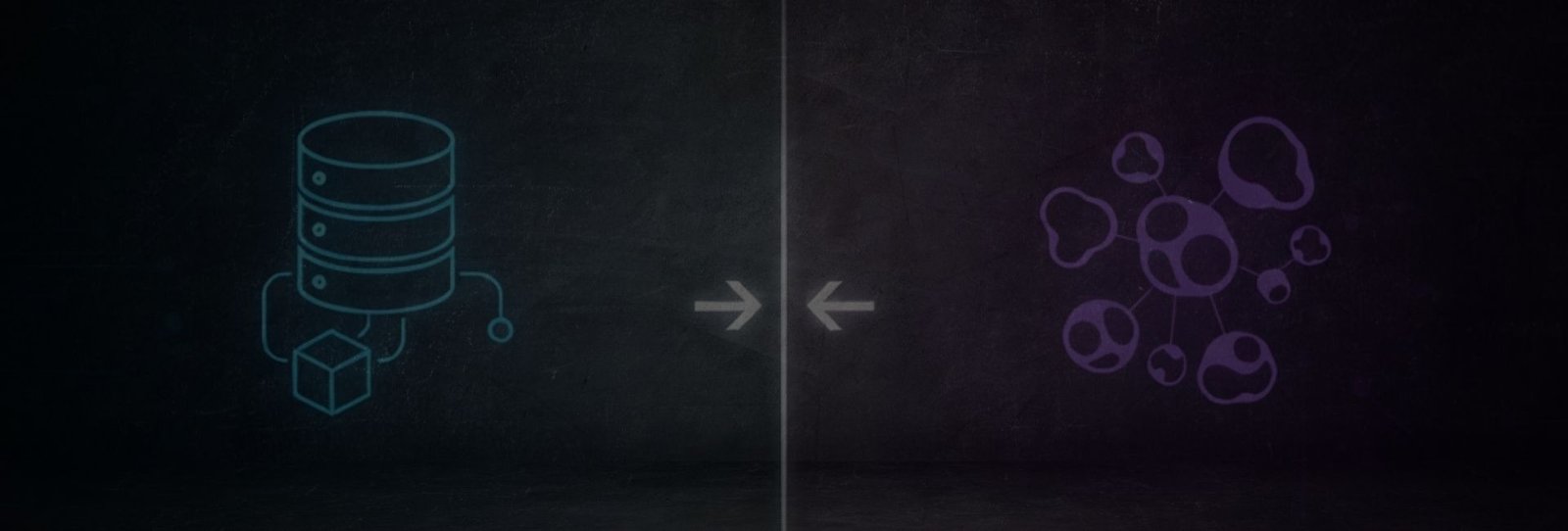
NoSQL (Not Only SQL) databases, first created by Carlo Strozzi in 1998, handle unstructured or rapidly changing data without fixed schemas. Unlike SQL databases, which use fixed schemas defining tables, fields, and relationships, NoSQL databases often have flexible or schema-less designs, allowing dynamic data. They use key-value, document, column, or graph formats, are highly scalable, and ideal for big data and real-time applications. Popular examples include MongoDB, Cassandra, Redis, and Neo4j.
NoSQL databases often use flexible or schema-less designs, allowing dynamic or unstructured data.
- MongoDB (Document Database) Examples
db.users.insertOne({ name: 'Rahul', age: 41, city: 'Delhi' });
db.users.find({ age: { $gt: 18 } });
db.users.updateOne({ name: 'Rahul' }, { $set: { age: 22 } });
db.users.deleteOne({ name: 'Rahul' });- Redis (Key-Value Database)
SET username "rahul"
GET username
DEL username- Cassandra (Column Database)
CREATE (u:User {name: 'Rahul'});
MATCH (u:User {name:'Rahul'}) CREATE (u)-[:FRIEND_OF]->(:User {name:'Amit'});
MATCH (u:User)-[:FRIEND_OF]->(f) RETURN f.name;- SQL vs NoSQL – Comparison Table
| Feature | SQL | NoSQL |
|---|---|---|
| Database Type | Relational (RDBMS) | Non-Relational |
| Data Structure | Tables (rows & columns) | JSON, key-value, graph, column |
| Schema | Fixed schema | Dynamic schema |
| Query Language | SQL | Database-specific |
| Scalability | Vertical (scale up) | Horizontal (scale out) |
| Relationships | Strong (joins) | Weak / embedded |
| Transactions | ACID compliant |
BASE (eventual consistency) |
| Performance | Best for complex queries | Best for large-scale, fast data |
| Flexibility | Low | High |
| Examples | MySQL, Oracle | MongoDB, Redis |
- ACID vs BASE
ACID (Used in SQL Databases) :
|
Letter |
Full Form |
Meaning |
|---|---|---|
| A | Atomicity | All-or-nothing transactions |
| C | Consistency | Data remains valid before & after transaction |
|
I |
Isolation | Transactions do not interfere with each other |
|
D |
Durability | Committed data is permanent |
BASE (Used in NoSQL Databases)
|
Letter |
Full Form |
Meaning |
|---|---|---|
|
BA |
Basically Available | The system always responds, even if some nodes fail. |
| S | Soft State | The system’s state may change over time, even without input. |
| E | Eventual Consistency | Data becomes consistent eventually across all nodes. |
- When to Use SQL or NoSQL
SQL Use Cases
| Scenario | Example |
|---|---|
| Banking systems | MySQL/PostgreSQL for transactions |
| E-commerce orders | PostgreSQL for payments and orders |
| College management | Student-Course databases |
| Inventory management | Product, supplier, stock tables |
SELECT o.order_id, c.name FROM orders o JOIN customers c ON o.customer_id = c.id;NoSQL Use Cases
|
Scenario |
Example |
|---|---|
| Social media apps | MongoDB for user posts |
| Real-time chat | Firebase for messages |
| IoT & logs | Cassandra for sensor data |
| Caching | Redis for session storage |
{ "user": "rahul", "message": "Hello world", "time": "10:30 PM" }Hybrid SQL + NoSQL
| Use Case | SQL Role | NoSQL Role |
|---|---|---|
| E-commerce app | Orders & payments | Product search & caching |
| Social platforms | User accounts | Posts, feeds, likes |
| Analytics systems | Master data | Logs & real-time data |
Rule of Thumb:
SQL for correctness, NoSQL for speed & scale.
- Popular Databases & Query Technologies
SQL Databases
| Database | Use Case |
|---|---|
| MySQL | Web apps |
| PostgreSQL | Analytics, enterprise apps |
| Oracle | Large enterprise systems |
| SQL Server | Microsoft ecosystem |
NoSQL Databases
|
Database |
Type |
Use Case |
|---|---|---|
| MongoDB | Document | Flexible JSON data |
| Redis | Key-Value | Caching, sessions |
| Cassandra | Column | Big data, IoT |
| Neo4j | Graph | Relationship-heavy data |
FAQ – Frequently Asked Questions
01. What is the difference between SQL and NoSQL?
SQL databases are relational and use structured tables, while NoSQL databases are non-relational and use flexible models like JSON or key-value.
02. Is SQL a database?
No, SQL is a language used to communicate with databases like MySQL or PostgreSQL.
03. Which is better: SQL or NoSQL?
Neither is universally better. SQL is ideal for structured data and strong consistency, NoSQL is ideal for scalability and flexibility.
04. Can SQL and NoSQL be used together?
Yes, many modern applications use both to optimize performance.
05. Is NoSQL replacing SQL?
No, they coexist and are used depending on application requirements.


Best website for students 😄